Private AI on your racks, under your change control.
An on-premises deployment puts GPU servers, model serving, retrieval, and Data.co Control in your own facility, integrated with the identity provider, storage, monitoring, and network segmentation you already operate.
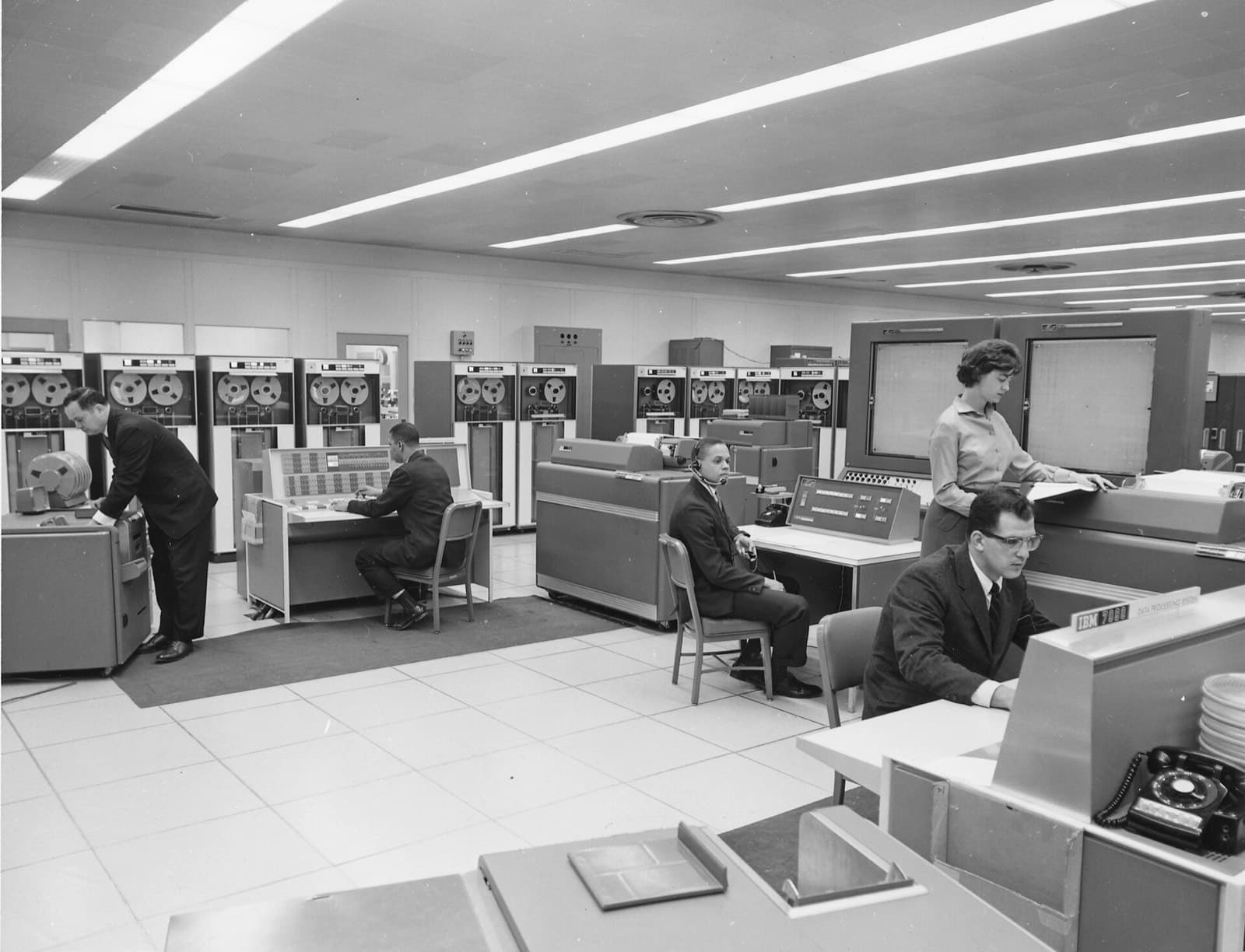
Your data center is already the approved boundary.
For many hospitals, banks, manufacturers, and law firms, the data center is where regulated systems already live and where auditors already know the controls. Putting AI next to those systems avoids a new data-transfer agreement, a new residency review, and a new set of network paths to justify.
On-prem is also the most predictable cost model for steady, sustained AI usage: hardware is a capital purchase, and capacity is not metered per token. The trade-off is that you own power, cooling, and lifecycle planning, which an assessment accounts for up front.
How the pieces sit inside your network.
Control runs as containers on Kubernetes or as a supported single-node install, alongside GPU nodes for model serving.
What to check before GPU servers arrive.
GPU servers differ from typical application servers in ways that matter to facilities teams.
- Rack power per circuit and per rack
- Cooling capacity for high-density nodes
- Rack depth and weight limits
- Network ports and bandwidth between GPU nodes
- Out-of-band management access
- Space for growth over the hardware lifecycle
- Change windows for installation
- Spares and support contracts
Fits the operations you already run.
Your identity
Users and groups come from your identity provider; no separate user store to reconcile.
Your network zones
Components are deployed into the segments your security architecture defines, with documented ports.
Your logs
Audit and operational logs export to your SIEM and monitoring stack.
Your updates
Images come from a registry mirror you control, applied on your change schedule.
The connections your firewall team will ask about.
Document these before installation. None of them requires the internet; outbound calls from the runtime are limited to the endpoints you configure.
| From | To | Purpose |
|---|---|---|
| Users and applications | AI gateway and MCP gateway | Authenticated API and chat traffic, over TLS |
| Gateways | vLLM or Ollama on GPU nodes | Forwarding allowed inference requests |
| MCP gateway | Registered tool servers | Forwarding allowed tool calls |
| Connectors | Source systems | Content and permission sync for retrieval |
| Control components | Identity provider | Sign-in and group membership |
| Control components | SIEM and monitoring | Log and metric export |
| Operators | Admin API | Policy reloads, approvals, audit verification; loopback-only unless an admin token is set |
The routines that keep an on-prem deployment healthy.
- 1
Patch in layers
Firmware, OS, GPU drivers, serving runtime, and Control are separate layers with separate cadences. Change one layer per window and record the as-running versions.
- 2
Back up state
Snapshot PostgreSQL, the policy directory, approvals state, and audit log segments. Rotated audit segments are immutable and can be copied as they appear.
- 3
Anchor the audit chain
Store the latest audit sequence number and hash somewhere separate, such as a ticketing system or write-once storage, so a wholesale rewrite would also be detectable.
- 4
Watch health and capacity
Scrape liveness and readiness endpoints, GPU memory and temperature, and per-model queue depth into the monitoring you already use.
- 5
Rehearse recovery
Rebuild a node from the artifact mirror and backups on a schedule, so a hardware failure follows a known procedure.
Questions buyers ask
Do we need Kubernetes?
Kubernetes is recommended for production and multi-node deployments. Smaller deployments can use a supported single-node install. We review what your team already operates during the assessment.
Does an on-prem deployment need internet access?
Not for operation. Licensing can be online or offline, and updates can come from a registry mirror or offline media. If you need no connectivity at all, see the air-gapped deployment model.
Who installs it?
Your team with our documentation and support, or our engineers working through access you grant. Hardware procured through Data.co can arrive pre-staged.
How do we plan for growth?
The assessment sizes for current workloads and identifies the next step, such as adding a GPU node or separating batch from interactive traffic, so growth does not require redesign.
Can we later add a private cloud region?
Yes. Policies and configuration are portable, and a hybrid design can keep sensitive data on-prem while adding capacity elsewhere.
How should GPU nodes be segmented on the network?
Most designs place model servers in a segment that accepts traffic only from the gateways, so no user or application can reach a model directly and bypass policy. Connectors sit where they can reach source systems, and the admin API stays on a management network.
What is the minimum footprint for a first deployment?
A single GPU server can host the runtime, a model server, and PostgreSQL for a pilot. Production usually separates the control components from GPU nodes and adds a second GPU node for maintenance headroom.
Size it before you buy it.
An infrastructure assessment maps your workloads, data constraints, and existing hardware to a deployment model and a bill of materials you can review.