Reserved hardware, single-tenant, managed for you.
Dedicated AI servers are GPU and CPU nodes reserved exclusively for your organization and managed by Data.co. You get the isolation of owned hardware without facility work, and capacity planned around your workloads rather than shared pools.
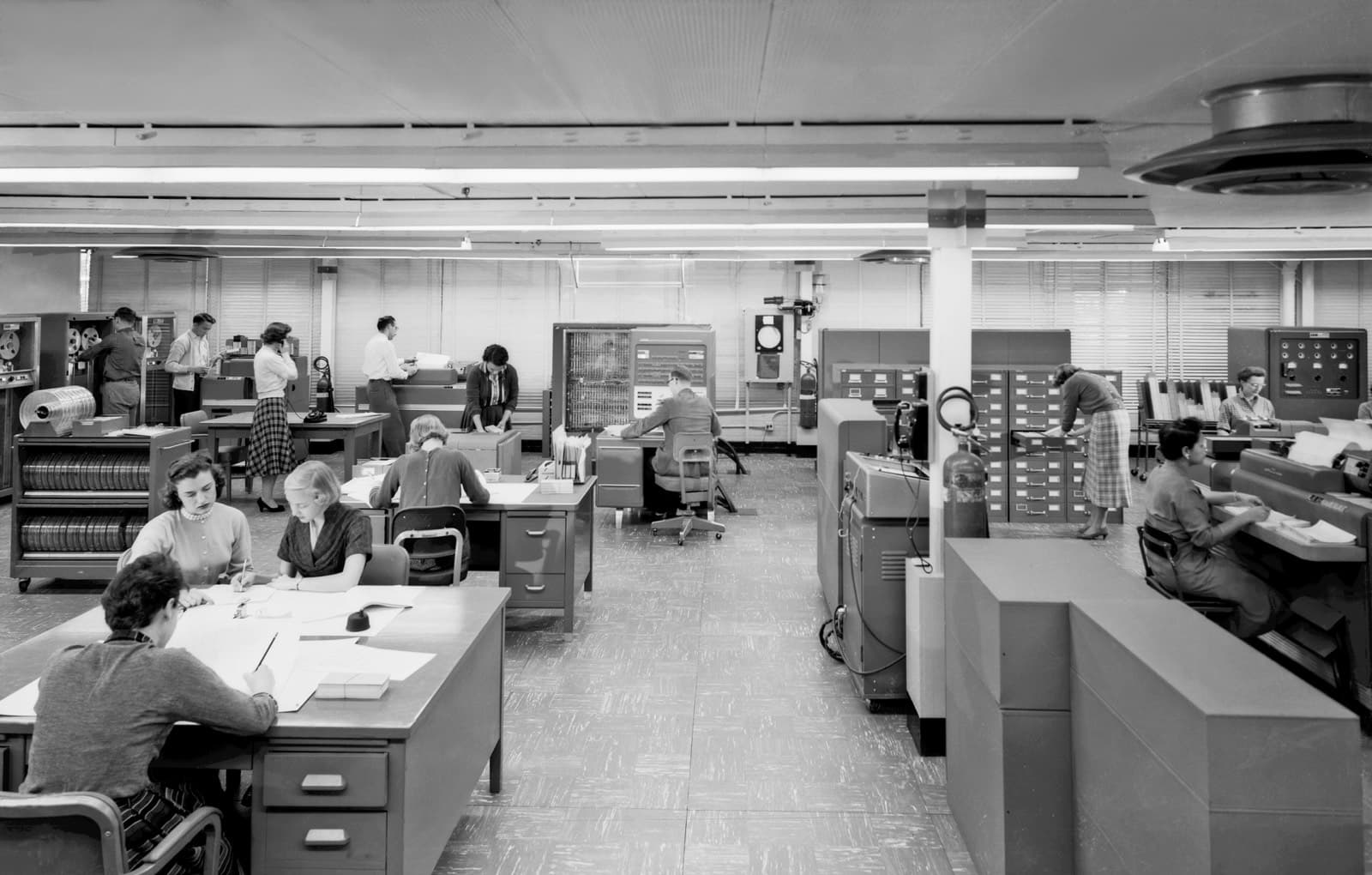
Between buying servers and renting shared cloud.
Buying GPU servers means facilities work, a procurement cycle, and lifecycle planning. Renting shared cloud GPUs means variable availability and infrastructure you cannot point to. Dedicated servers sit between: specific machines reserved for you, in a hosting facility, operated by Data.co.
The software is the same Data.co Control you would run on-prem. Policies, models, and data stay in your environment on those servers; Data.co engineers operate the infrastructure under contract, with access you grant and can revoke.
Dedicated servers against the alternatives.
| Buy and host on-prem | Dedicated servers | Shared cloud GPU | |
|---|---|---|---|
| Tenancy | Single | Single | Shared underlying pool |
| Facility work | Yours | Ours | Provider's |
| Capacity | What you bought | Reserved for you | Subject to availability |
| Hardware lifecycle | Yours | Managed under contract | Provider's |
| Operations | Your team or managed | Managed by Data.co | Your team |
What managed means for dedicated hardware.
Reserved nodes
Specific servers allocated to you, not drawn from a shared pool at request time.
Network isolation
Your own network segment, with private connectivity to your sites.
Hardware operations
Monitoring, firmware and driver updates, and part replacement under contract.
Scoped access
Our engineers operate under access you grant, scope, and can revoke, with sessions logged.
From sizing to serving.
- 1
Size
An assessment determines node count and GPU configuration for your models and concurrency.
- 2
Reserve
Servers are allocated and burned in before your environment is installed.
- 3
Connect
Private connectivity to your identity provider and data sources is set up and tested.
- 4
Operate
Data.co runs the infrastructure; you manage policies, models, and users, or delegate those too.
Who handles what on dedicated hardware.
The exact split is written into the contract. This is the common default.
| Area | Data.co | Your organization |
|---|---|---|
| Physical hardware, parts, and replacement | Yes | No |
| Firmware, OS, and GPU driver updates | Yes, in agreed windows | Approves the schedule |
| Control runtime and model server upgrades | Yes, with your approval | Approves and validates |
| Network segment and private connectivity | Provisions and monitors | Provides the on-site end and routing |
| Policies, approvals, and data owners | Advises if asked | Yes |
| Audit log review | No, unless delegated | Yes |
Operational access is a scoped grant, and leaving is planned on day one.
Running the hardware requires administrative access to it. That access is granted by you, limited to the systems and actions the contract covers, logged per session, and revocable. The governance layer is separate: Data.co engineers operating servers are not, by that fact, allowed to query your indexes or read prompts, and any access to data stores is something you can see and restrict in policy and in your own logs.
Exit is part of the design. Policies, registry entries, and configuration are portable files; PostgreSQL and audit segments can be exported with standard tooling; model weights come from your mirror. At the end of a term, storage media are sanitized according to the agreed procedure, and that procedure should be reviewed by your security team before you sign rather than after.
What to ask any provider of dedicated AI servers.
- Which specific nodes are mine, and can I see their serial numbers?
- Where is the facility, and who has physical access?
- How are failed drives handled, and are they ever shipped off site?
- How is operator access granted, logged, and revoked?
- What happens to data and media at the end of the term?
- How much notice is needed to add or remove capacity?
Questions buyers ask
Are dedicated servers shared with other customers?
No. The servers are reserved for your organization. Facility services such as power and physical security are shared, as in any hosting facility.
Does Data.co have access to our data on these servers?
Data.co engineers have operational access you grant and scope under contract, and you can revoke it. Access sessions are logged. app.data.co itself never receives prompts, documents, embeddings, or records.
Can we add capacity later?
Yes, subject to hardware availability. Capacity planning is part of the managed service, so additions can be scheduled ahead of need.
Can we move to on-prem hardware later?
Yes. Policies, model registry entries, and configuration are portable to an on-prem deployment.
How do our users and systems connect to the servers?
Through private connectivity from your network, typically a site-to-site VPN or a private interconnect, with the gateway reachable only on private addresses. Connectors reach your source systems over the same path.
Is this the same as a private cloud deployment?
It is one form of it. Private cloud can also mean an environment in your own cloud account. Dedicated servers differ in that specific physical machines are reserved for you and Data.co operates them end to end.
Size it before you buy it.
An infrastructure assessment maps your workloads, data constraints, and existing hardware to a deployment model and a bill of materials you can review.